Fuse Bead Pattern Maker
Works with any brand of fuse beads — Perler, Hama, Artkal, or the unlabeled bucket from the craft store. Photo in, printable pattern out.
- Brand-flexible: switch between Perler and Hama color charts
- Merge slider cuts your color count so any bead kit works
- Free printable PDF with legend and bead totals

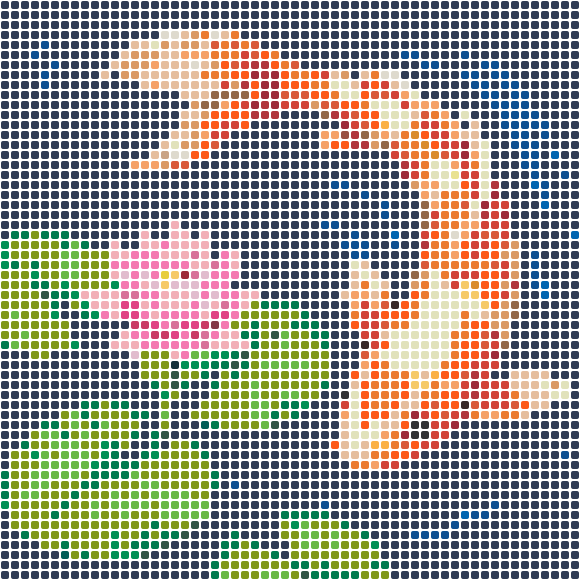

Drop your photo here
Turn any photo into a printable bead pattern with color codes and a bead count — free, right in your browser. Your photo never leaves your device.
Choose a photoJPG · PNG · WebP
✨ No photo? Generate one with AI
Uses 1 credit. New accounts get free credits — results are drawn in a bead-friendly pixel style.
🔒 Private generations — Pro · Free generations may be featured in our pattern gallery
One pattern maker for every fuse bead brand
Fuse beads, melty beads, iron beads — every brand irons the same way, but their color lines differ. BeadFuse converts your photo against real measured colors for the system you actually own: the 103-color Perler line or the 92-color Hama midi line, with more systems coming.
If your beads came in an unlabeled mixed bucket, use the color merge slider to bring the pattern down to a dozen strong colors, then swap anything you're missing using the only-my-colors filter. The pattern updates live as you drag.
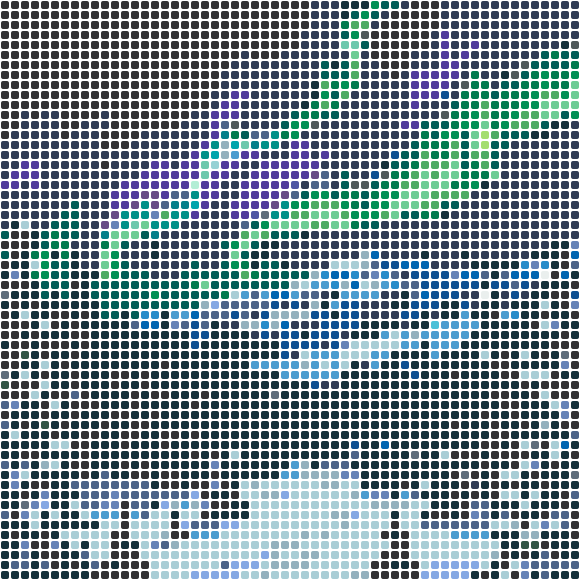
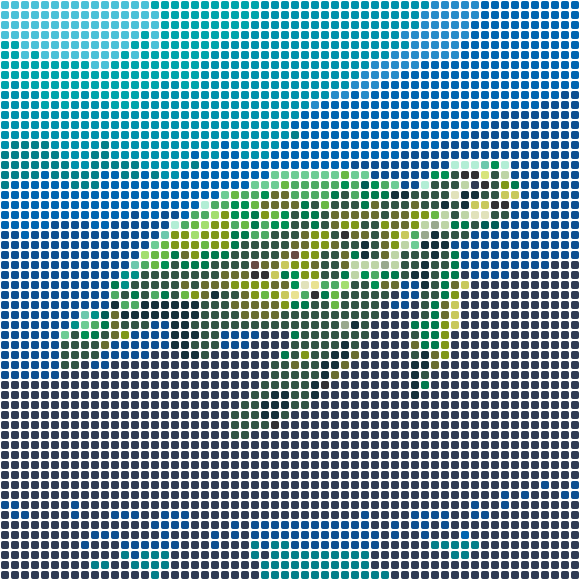 Coral Reef Turtle58×58 · 3364 beads
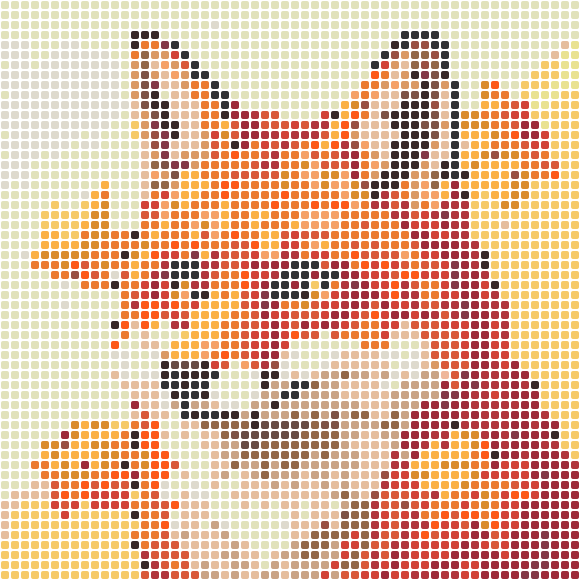
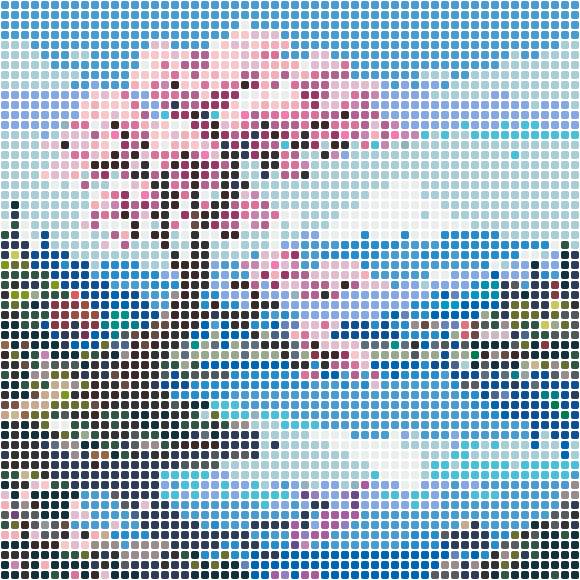
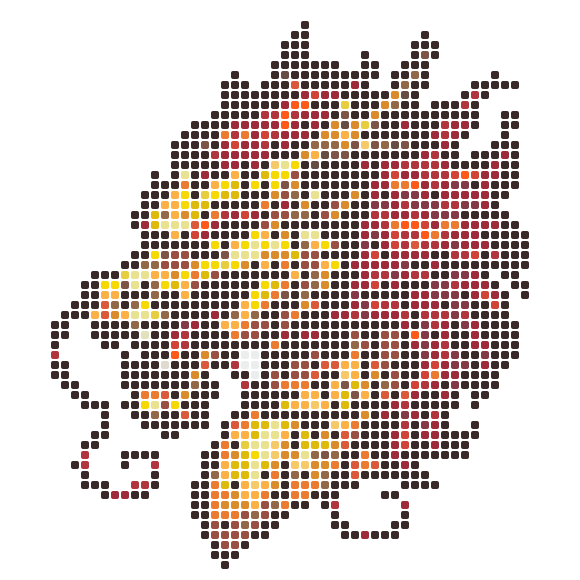
Free patterns, fresh off the pegboard
Every design is a free printable PDF chart with real bead color codes and exact counts.
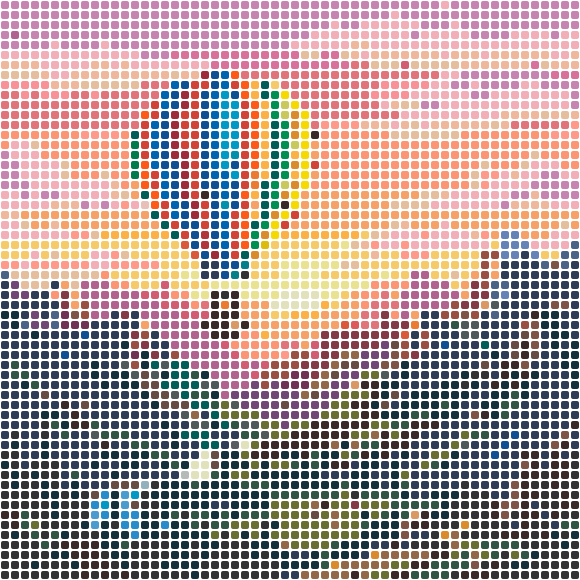
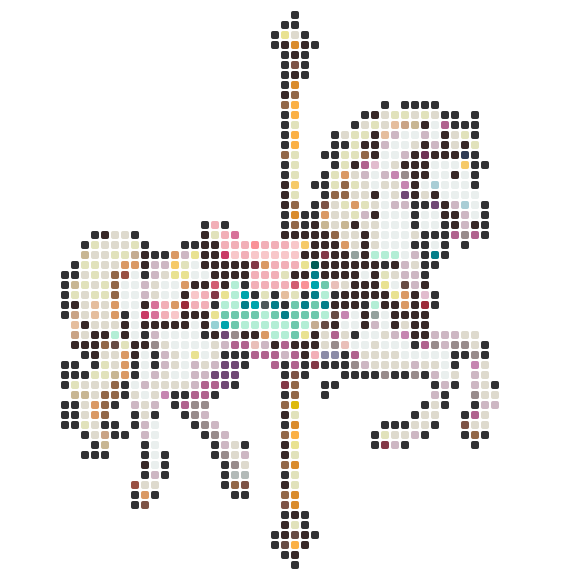

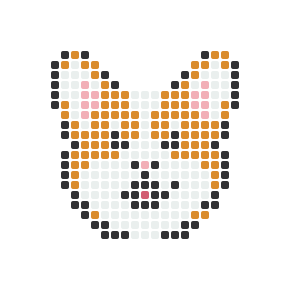
From photo to fuse bead pattern
- 1
Upload any image
Family photos, pets, logos, game characters — JPG, PNG, or WebP, with transparent areas becoming empty pegs.
- 2
Match your bead kit
Pick the color chart that matches your beads, set the size, and merge similar colors to fit smaller kits.
- 3
Download the chart
A free PDF with the full grid, board sections, color legend, and how many beads of each color to gather.
Why crafters use BeadFuse for fuse bead patterns
Two real color systems
Community-measured Perler and Hama palettes — not screen colors that disappoint when the beads arrive.
Kit-friendly color merging
A 24-color starter kit can't match a 103-color chart. The merge slider collapses near-duplicates so patterns fit the kit you have.
Shopping list included
Exact bead counts per color, sorted by usage, plus a grand total — no more running out of black halfway through.
Clean edges on sprites
Dominant-color downsampling preserves outlines on pixel art and cartoon images instead of muddying them.
Instant and private
Everything runs in your browser — drag a slider and the pattern re-renders in milliseconds, with no upload involved.
Printable board sections
Big designs split into labeled pegboard-size pages with coordinates so you never lose your place.
Fuse bead questions
Are fuse beads, Perler beads, and Hama beads the same thing?
They're the same craft: plastic beads you arrange on a pegboard and fuse with an iron. Perler (US) and Hama (Europe) are the two big brands; 'fuse beads' and 'melty beads' are the generic names. Standard midi beads are 5mm and interchangeable across brands.
My beads are a no-name mixed bucket. Which color system should I pick?
Pick either chart and raise the color merge slider — most generic buckets are close to the common Perler colors. Then use the my-colors filter to knock out shades you can't see in your bucket.
Is BeadFuse really free?
Yes. Converting photos, matching bead colors, and downloading the PDF chart are free with no account and no watermark. Optional Pro credits only power AI pattern generation — the core converter stays free forever.
Does my photo get uploaded to a server?
No. The whole conversion runs inside your browser — your photo never leaves your device. That's also why the sliders feel instant.
What do I get in the PDF?
A cover page with a preview, one page per pegboard section (with row and column numbers so you can follow along), and a legend page with every color's code, name, and exact bead count.
- fuse bead pattern maker
- fuse bead patterns
- melty bead patterns
- iron beads pattern
- photo to fuse bead pattern
- fuse bead pattern generator