Minecraft Pixel Art Generator
Upload a photo and get a buildable block-by-block plan using the 61 official Minecraft map colors — with an exact block shopping list you can take into survival.
- Matches your photo to all 61 official Minecraft map colors
- Counts every block so you can gather materials before building
- Free block list CSV and printable chart — no signup
Drop your photo here
Turn any photo into a printable bead pattern with color codes and a bead count — free, right in your browser. Your photo never leaves your device.
Choose a photoJPG · PNG · WebP
✨ No photo? Generate one with AI
Uses 1 credit. New accounts get free credits — results are drawn in a bead-friendly pixel style.
🔒 Private generations — Pro · Free generations may be featured in our pattern gallery
Built for Minecraft map art, not generic pixels
Minecraft maps render the world using a fixed palette of map colors — build with the wrong blocks and your art looks muddy on the map. This generator converts your photo against the official base color table (the same one map artists use), so what you build is what the map shows.
Each color comes with a recommended block that is easy to get in bulk — wool, concrete, and terracotta first — plus the exact count you need. The default 64-wide grid keeps beginner builds manageable; go up to 100 wide for large murals.
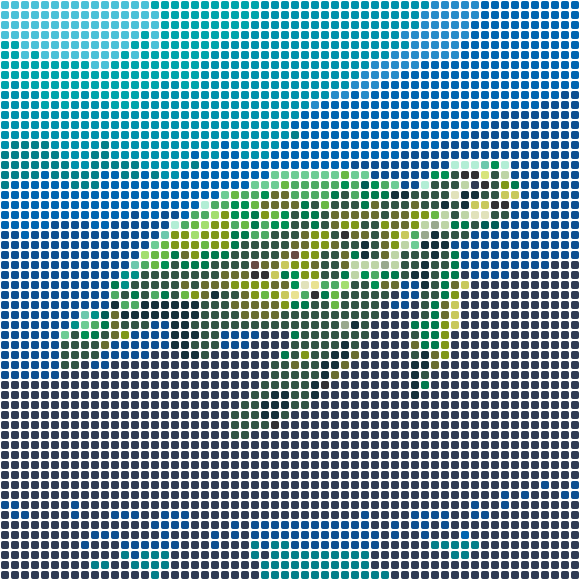 Coral Reef Turtle58×58 · 3364 beads
Free patterns, fresh off the pegboard
Every design is a free printable PDF chart with real bead color codes and exact counts.
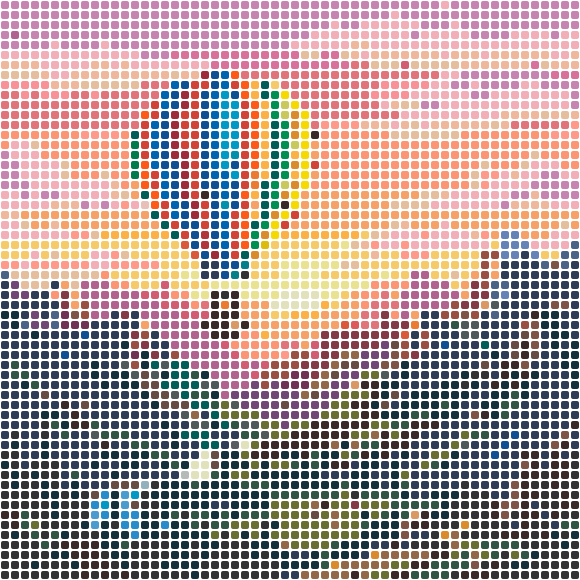
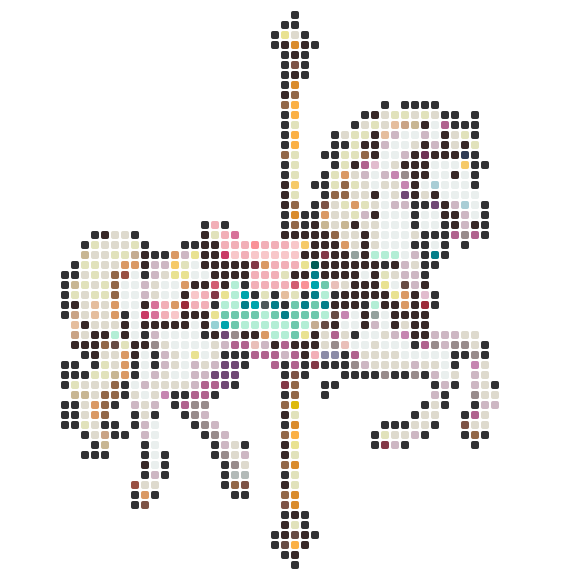
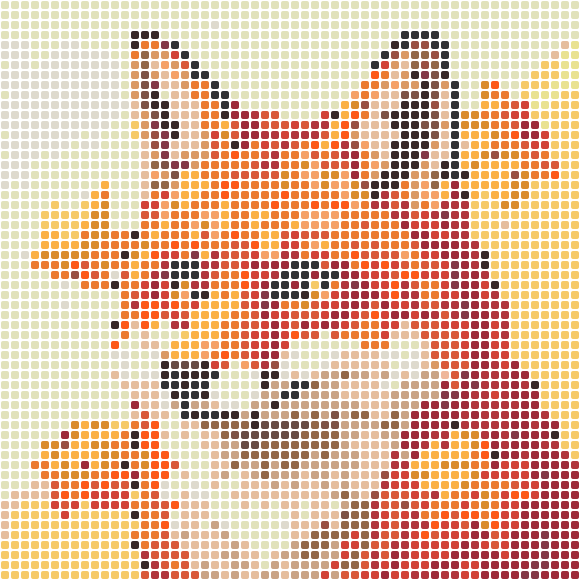
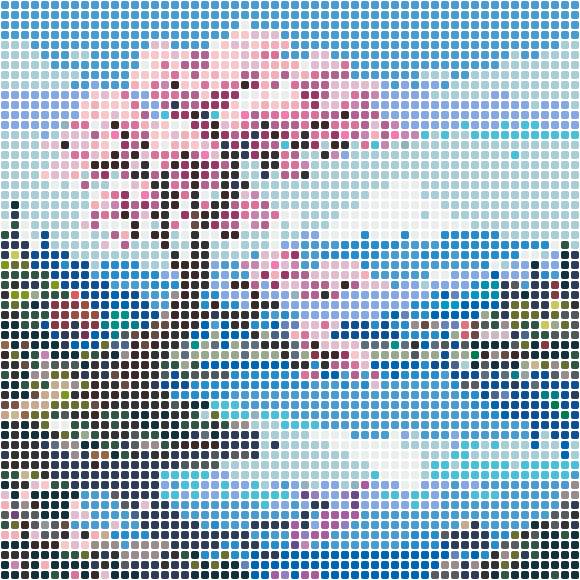

Photo to Minecraft block art in 3 steps
- 1
Upload your image
Photos, logos, sprites, or skins — JPG, PNG, or WebP. Transparent areas are skipped automatically.
- 2
Tune the block grid
Set the width in blocks and merge similar colors to cut down how many block types you need to gather.
- 3
Export your build plan
Download the block list as CSV plus a printable chart with coordinates, and start placing blocks.
Why builders use this Minecraft art generator
Official map color palette
All 61 Java Edition base map colors, cross-checked against the Minecraft Wiki — colors render true on in-game maps.
Block shopping list
Exact counts per block type, exported as CSV — know whether you need 12 stacks of white concrete before you start.
Practical block picks
Each color maps to an easy-to-farm block (wool, concrete, terracotta) instead of obscure technical blocks.
Color merge slider
Reduce the number of distinct block types for survival-friendly builds without wrecking the image.
Crisp edges on logos and sprites
Dominant-color sampling keeps outlines sharp instead of smearing them into noisy block borders.
Runs in your browser
No upload, no account, no watermark. Conversion happens on your device and the exports are free.
Minecraft pixel art questions
What size should Minecraft map art be?
One in-game map at zoom level 0 shows a 128×128 block area. A 64-wide build is a solid starter project; 128 wide fills an entire map. This tool defaults to 64 and goes up to 100 blocks wide.
Which blocks should I use for pixel art?
Wool, concrete, and terracotta cover most of the palette and are cheap to farm. The block list this tool exports recommends one easy-to-get block per color, so you can substitute any block that shares the same map color.
Does this work for Bedrock Edition?
The base map colors are the same across editions for the blocks we recommend, so your build plan works in both Java and Bedrock.
Is it really free?
Yes — conversion, the printable chart, and the CSV block list are all free with no account. Your image never leaves your browser.
- minecraft pixel art generator
- minecraft map art
- photo to minecraft blocks
- minecraft block art
- image to pixel art
- minecraft map color palette