Bead Grid Maker
Two ways to fill a bead grid: draw it square by square in the free editor, or convert a photo into a ready-made grid — both with real bead colors.
- Grid editor with undo/redo for drawing from scratch
- Photo converter fills a grid automatically in seconds
- Real Perler, Hama & pony palettes with printable charts
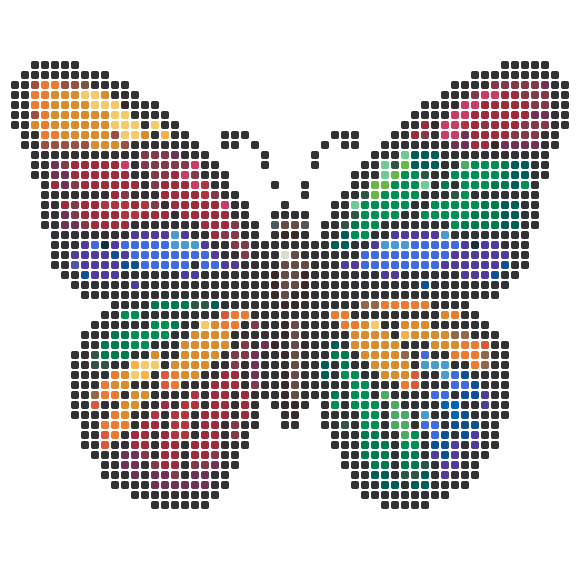
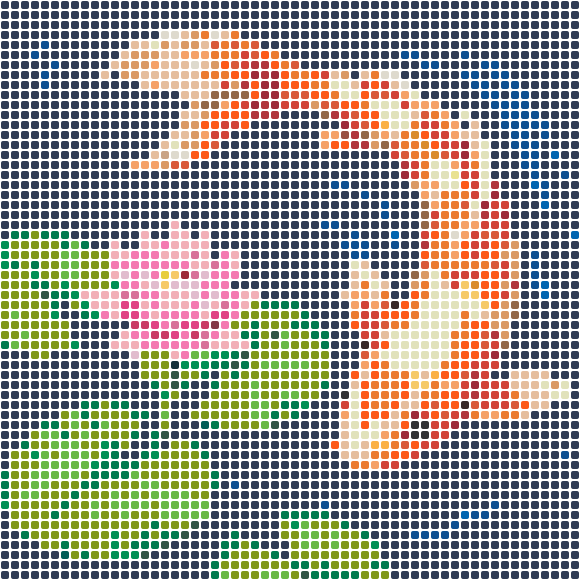
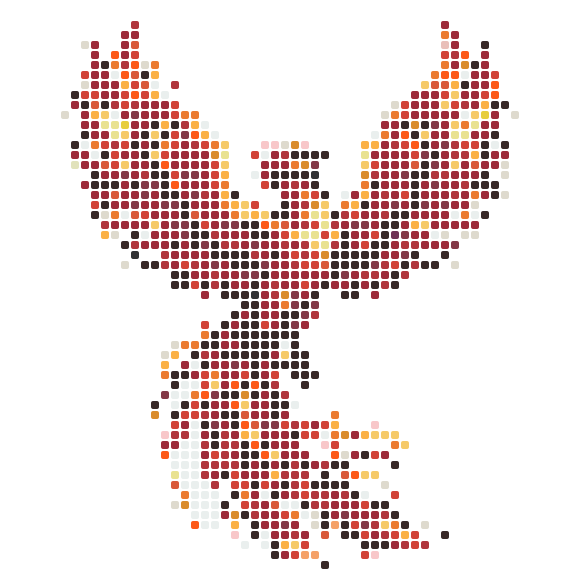
Drop your photo here
Turn any photo into a printable bead pattern with color codes and a bead count — free, right in your browser. Your photo never leaves your device.
Choose a photoJPG · PNG · WebP
✨ No photo? Generate one with AI
Uses 1 credit. New accounts get free credits — results are drawn in a bead-friendly pixel style.
🔒 Private generations — Pro · Free generations may be featured in our pattern gallery
Draw it or convert it
A bead grid is just squares mapped to bead colors — but filling it by hand pixel-by-pixel is slow, and generic grid tools use screen colors no bead matches. BeadFuse gives you both routes: a grid editor for drawing designs square by square with undo/redo, and a photo converter that fills the grid for you and lets you touch it up after.
Either way, every square snaps to a real bead color — Perler, Hama, or pony — so the finished grid doubles as a shopping list. Print it as a free chart with counts, or save it to your account and keep editing later.
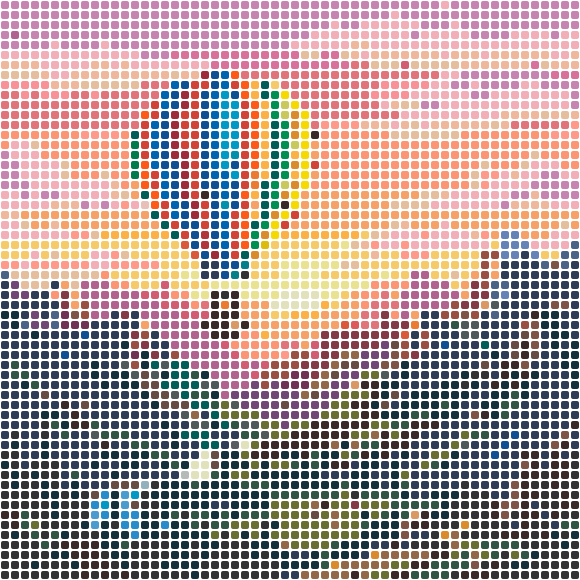
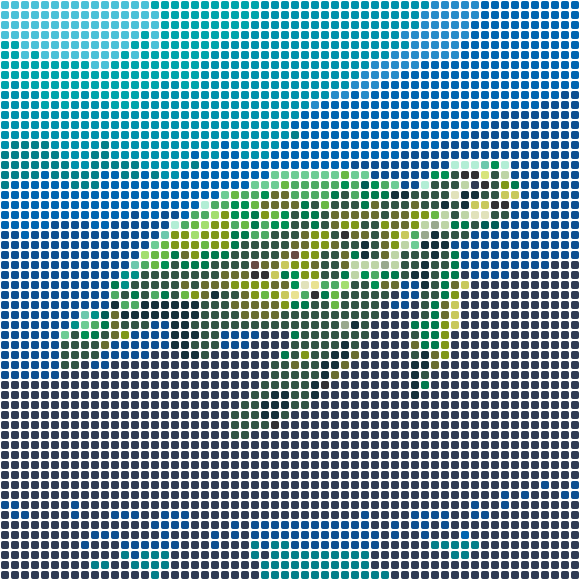 Coral Reef Turtle58×58 · 3364 beads
Free patterns, fresh off the pegboard
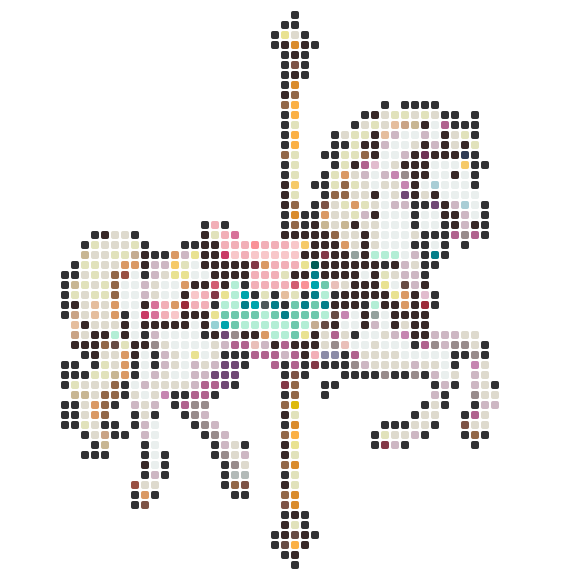
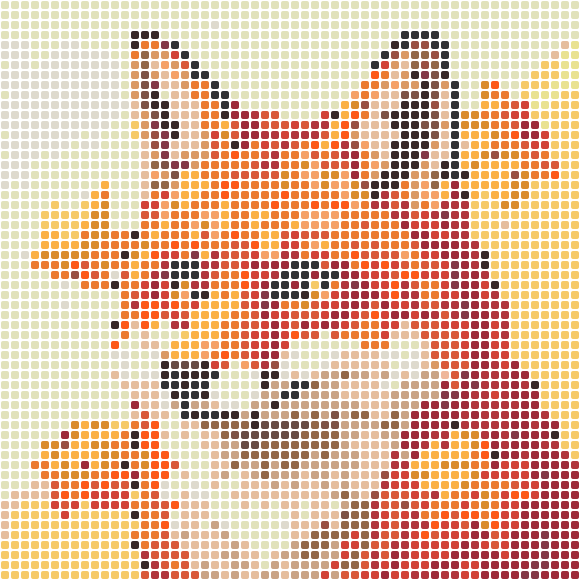
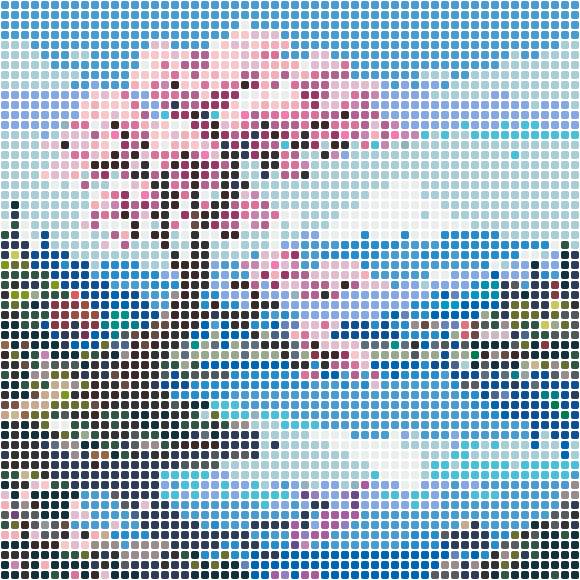
Every design is a free printable PDF chart with real bead color codes and exact counts.

How to use the grid maker
- 1
Pick your starting point
Open the blank grid editor to draw from scratch, or upload a photo here to auto-fill the grid.
- 2
Edit square by square
Paint with real bead colors, fix stray cells, and undo/redo freely until the design reads right.
- 3
Print or save
Download the free printable chart with bead counts, or save the grid to your account to edit later.
A grid that knows about beads
Real-color grid cells
Every cell snaps to a real Perler, Hama, or pony bead color — the grid is buildable, not just pretty.
Undo / redo editing
Experiment freely in the editor — every stroke is reversible.
Photo auto-fill
Skip the blank-canvas stage: convert a photo and refine the grid instead of starting from zero.
Bead counts built in
The chart legend totals every color in your grid for shopping.
Save to your account
Store grids in the cloud and reopen them on any device to keep editing.
Free printable output
Board-by-board PDF chart with coordinates and legend — no account required to print.
Grid maker questions
Is BeadFuse really free?
Yes. Converting photos, matching bead colors, and downloading the PDF chart are free with no account and no watermark. Optional Pro credits only power AI pattern generation — the core converter stays free forever.
Does my photo get uploaded to a server?
No. The whole conversion runs inside your browser — your photo never leaves your device. That's also why the sliders feel instant.
What do I get in the PDF?
A cover page with a preview, one page per pegboard section (with row and column numbers so you can follow along), and a legend page with every color's code, name, and exact bead count.
Can I start from a blank grid?
Yes — the grid editor opens with an empty board you can paint square by square with real bead colors. Or convert a photo first and use the editor to refine it.
- bead grid maker
- perler bead grid
- bead pattern grid
- pixel grid maker
- bead design maker
- grid pattern maker